 Keegix
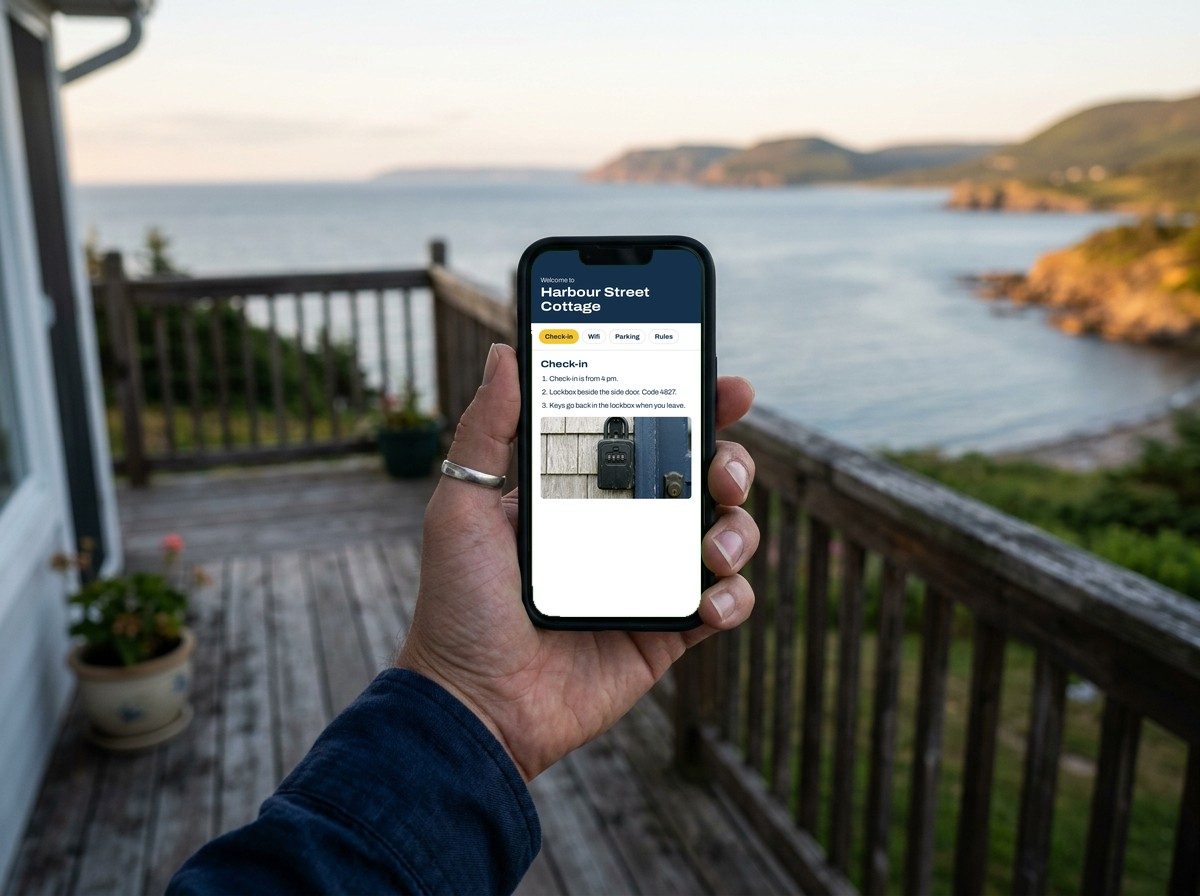
What your guests will see
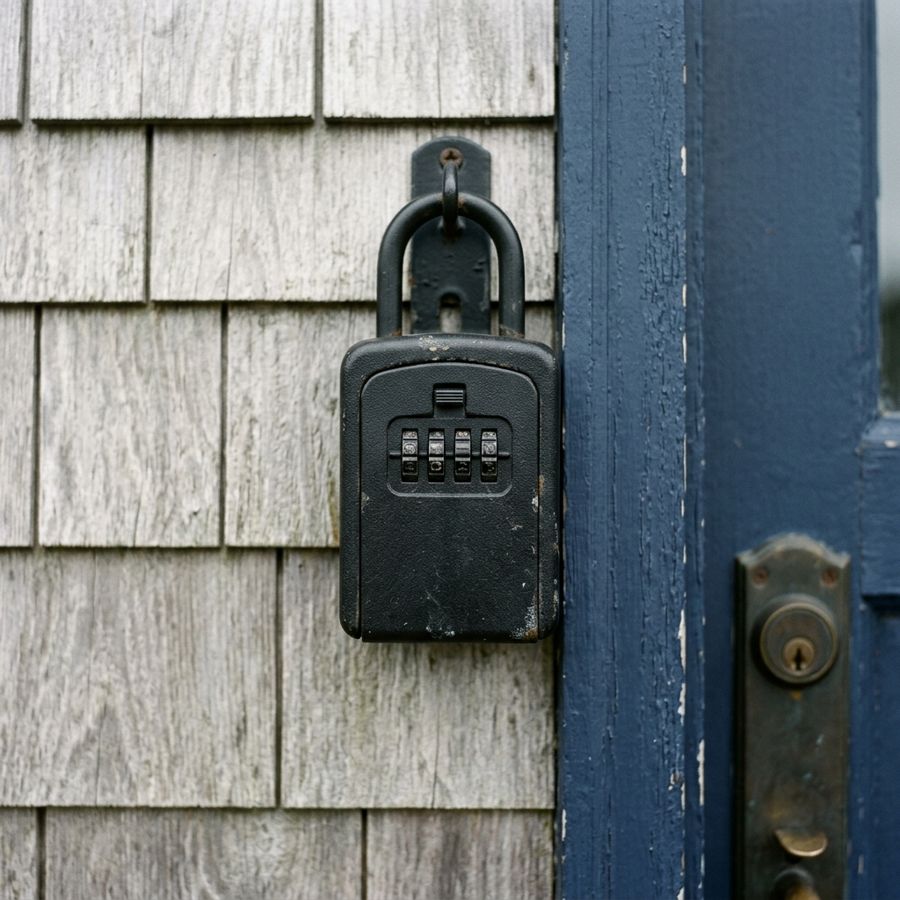
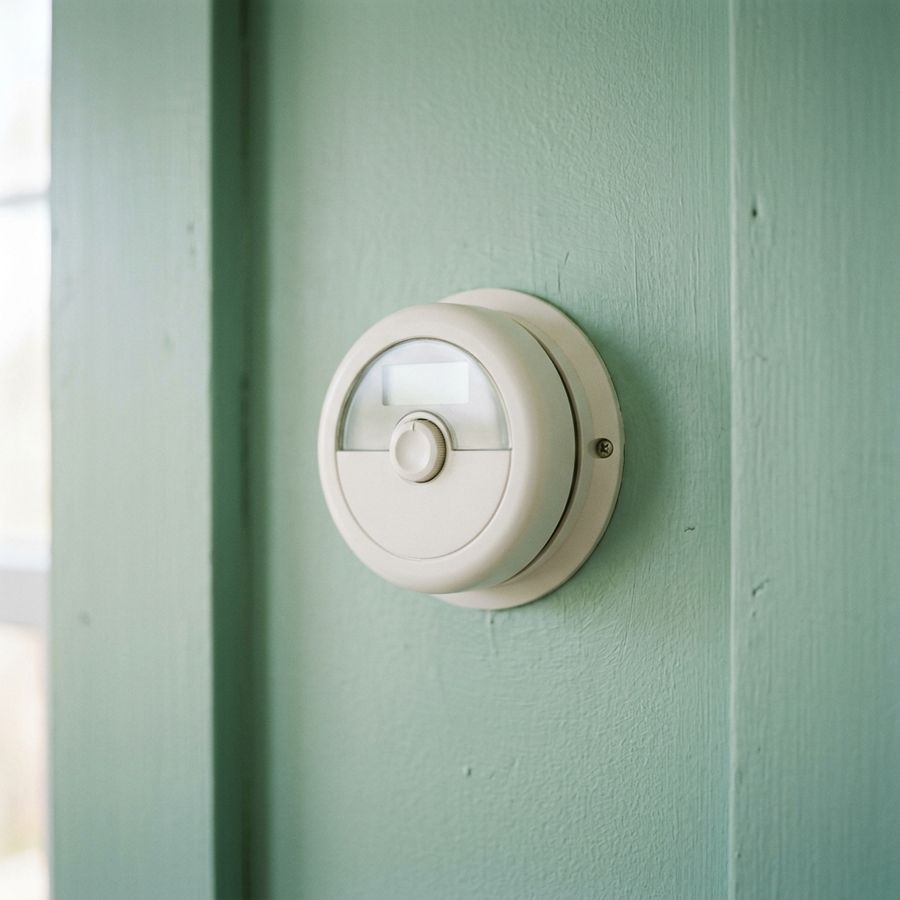
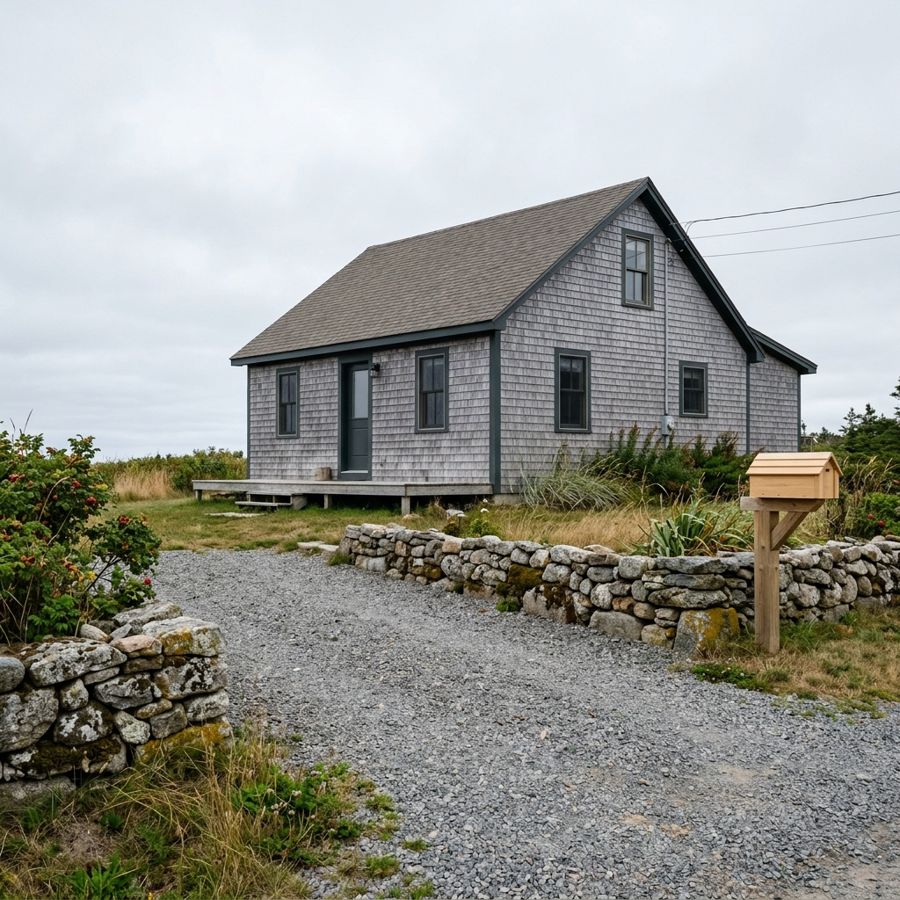
Each section can carry a photo, so the tricky bits are obvious the first time.
What goes in it
Each property starts with these sections. Rename them, hide the ones you don’t need, put them in your own order, and add photos where a picture explains it faster.
- Check-in steps
- Lockbox or keypad, where to go, what time.
- Wifi
- Network and password with a copy button for guests.
- Parking
- Where to park and where not to.
- House rules
- Quiet hours, pets, smoking, guest limits.
- Appliances
- The thermostat, the washer, the fussy shower.
- Trash day
- Which bin goes out, and when.
- Local picks
- Your own coffee, groceries and walks.
- Emergency contacts
- Phone numbers guests can tap to call.
- Checkout list
- What to do before they leave.
- Your own sections
- Anything else your place needs.
How it works
- 1
Fill in your property
Type your details from your phone or computer. Add photos from your camera roll.
- 2
Share the link
Paste it into your booking messages. Add a guest password if you want it private.
- 3
Print the QR sign
Download a letter-size PDF for the door or the fridge. Edits show up without reprinting.
Rather not type it all out? I’ll set it up for you.
Fill in one form with rough notes, your listing link and up to 5 photos. I write it up in clear sections, put it in a Keegix account under your email, and send you the guest link. You can sign in and change anything after that.
Pricing
In Canadian dollars.
Free
$0
- 1 property
- All sections, reordering and QR sign
- Up to 5 photos per property
- Optional guest password
- A small “Made with Keegix” footer
Pro
$9 per property, per month
- As many properties as you pay for
- No footer
- Custom colours for the guest page and sign
- Unlimited photos
- Cancel any time from the billing page
Set up for you
$39, one time
- I build one property from your notes
- Up to 5 photos
- Guest link and QR sign ready to go
- One round of changes within 14 days
- Lands on the free plan; add Pro any time
Questions
Do guests need an app or an account?
No. The link opens in any phone browser.
Do I need to reprint the sign after edits?
No. The link and QR code stay the same, so guests always see your latest version.
Can I keep the guide private?
Yes. Set a guest password and share it in your booking message.
What happens if I cancel Pro?
Your account goes back to the free plan. Your first property stays live, and any others are paused until you upgrade again. Nothing is deleted.
How does the $39 setup work?
You fill in a form and pay. I build the welcome book, put it in a free Keegix account under your email, and send you the guest link. You can sign in and change anything after that.
What if I haven’t received my setup?
I aim to send it within 3 days. If you haven’t received it within 7 days of paying, email me and I’ll refund you in full.
Where is my data stored?
In a database in Canada. See the privacy page for details.