 Keegix
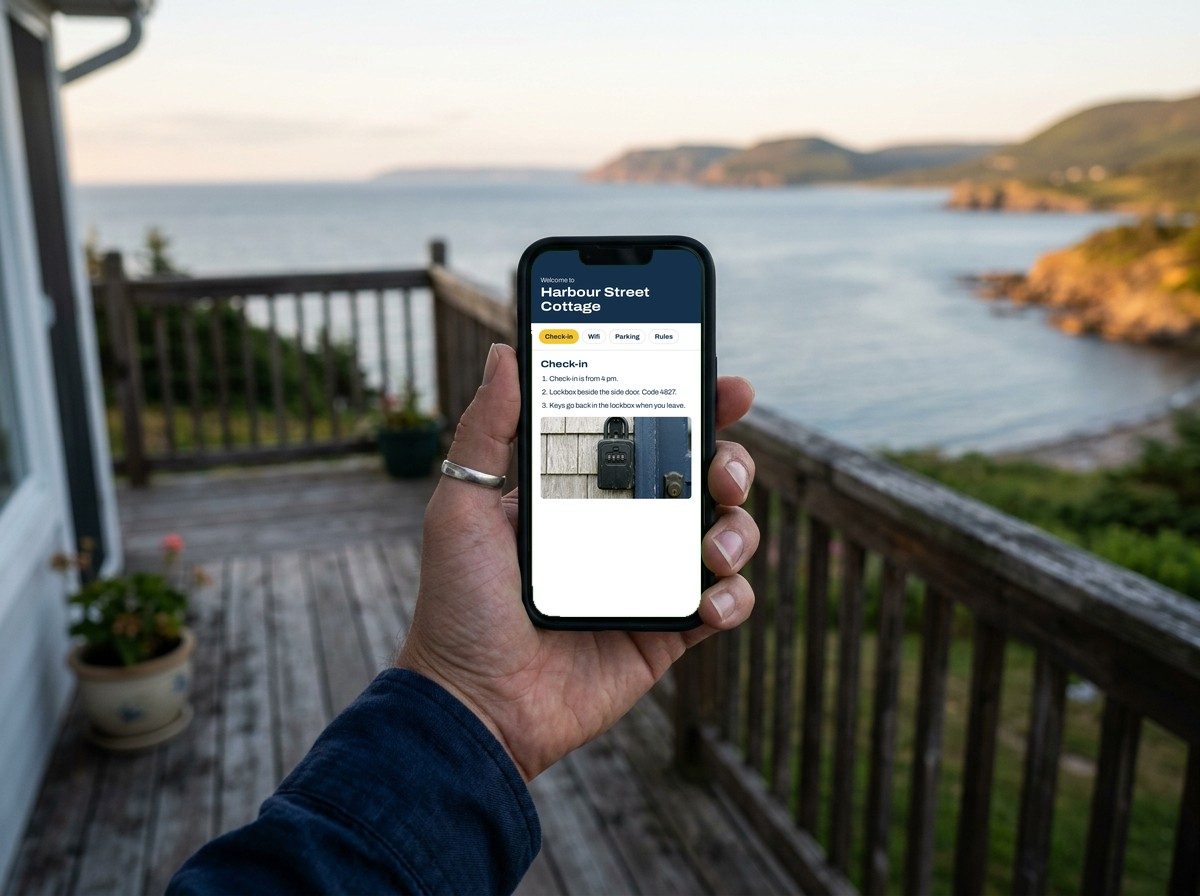
What your guests will see
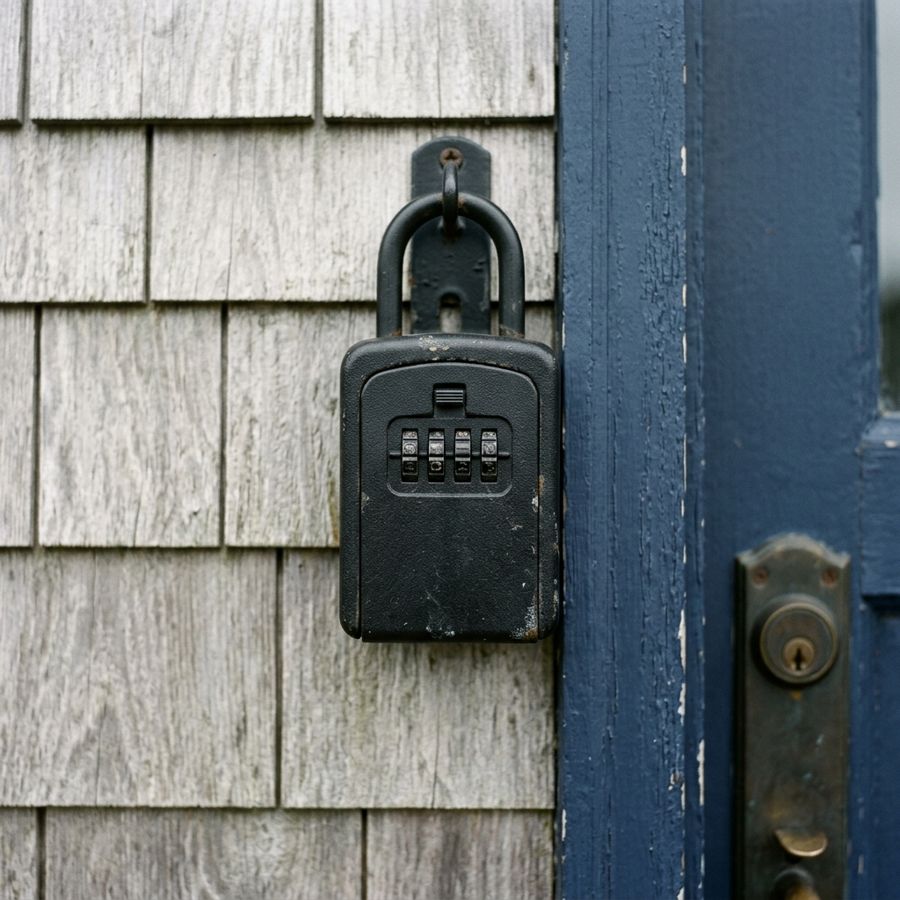
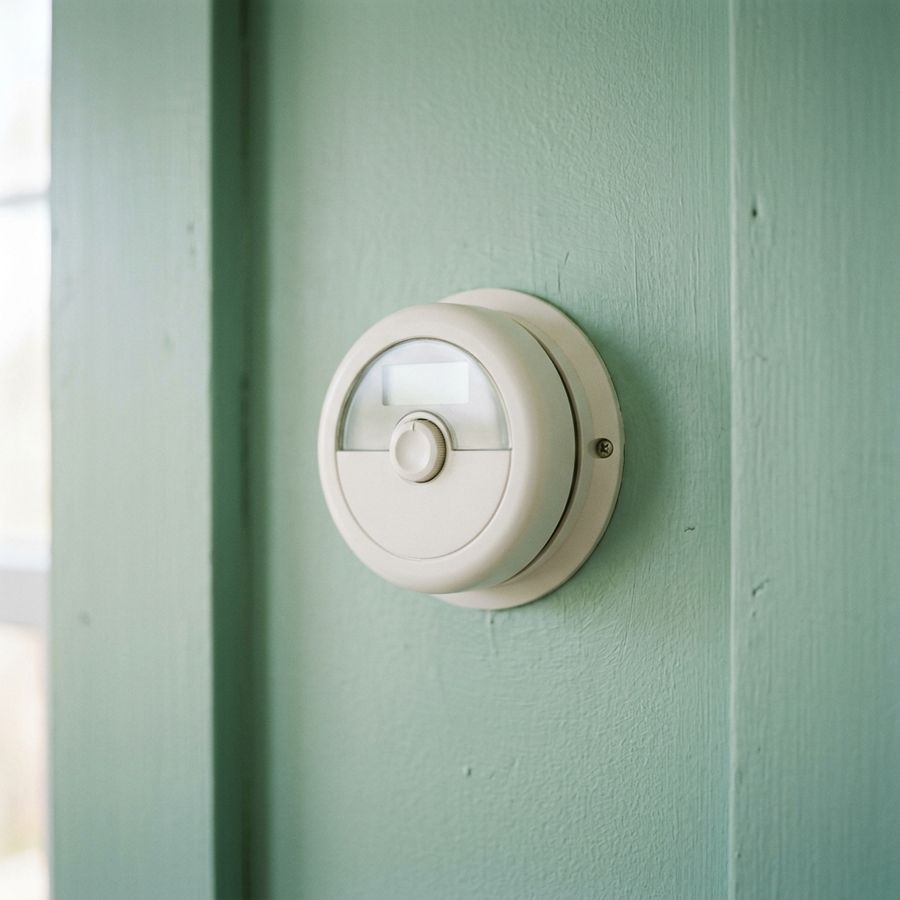
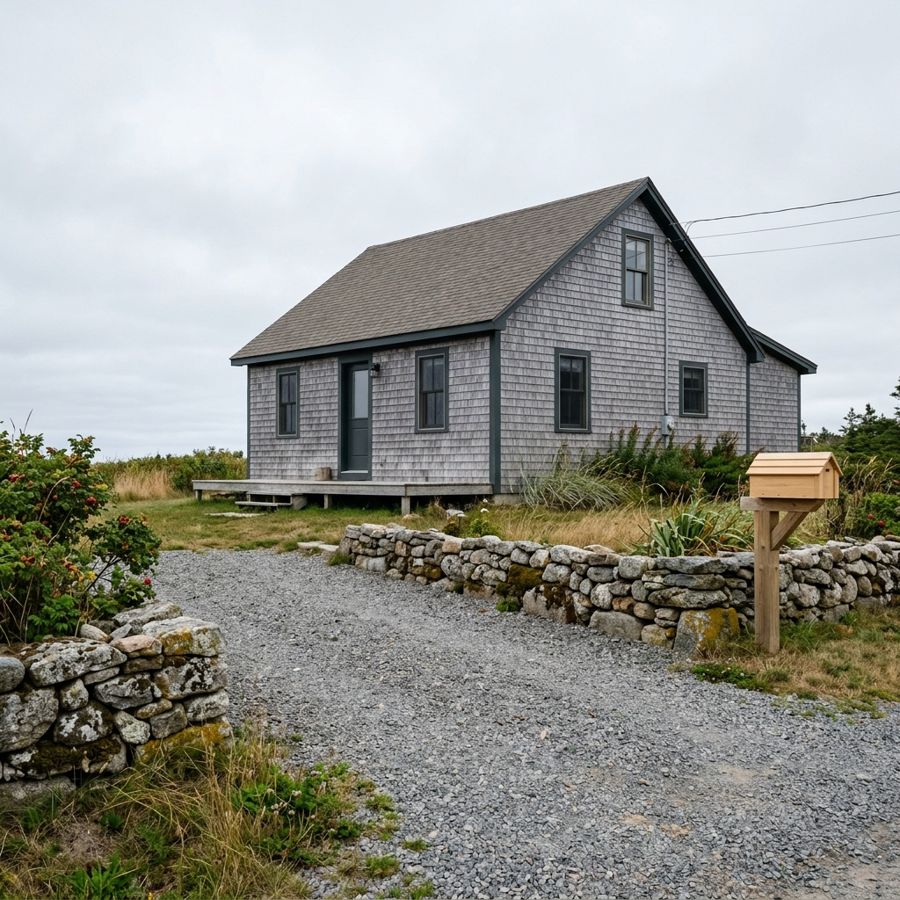
Each section can carry a photo, so the tricky bits are obvious the first time.
What goes in your welcome book
Each property starts with the sections a printed house manual or guest binder would have. Rename them, hide the ones you don’t need, put them in your own order, and add photos where a picture explains it faster.
- Check-in steps
- Lockbox or keypad, where to go, what time.
- Wifi
- Network and password with a copy button for guests.
- Parking
- Where to park and where not to.
- House rules
- Quiet hours, pets, smoking, guest limits.
- Appliances
- The thermostat, the washer, the fussy shower.
- Trash day
- Which bin goes out, and when.
- Local picks
- Your own coffee, groceries and walks.
- Emergency contacts
- Phone numbers guests can tap to call.
- Checkout list
- What to do before they leave.
- Your own sections
- Anything else your place needs.
How it works
- 1
Fill in your property
Type your details from your phone or computer. Add photos from your camera roll.
- 2
Share the link
Paste it into your booking messages, or drop the QR image in. Add a guest password if you want it private.
- 3
Print the QR sign
Download a Letter-size PDF (it prints on A4 too) with the yellow key tag for the door or the fridge. Edits show up without reprinting.

Look for the yellow key tag.
Every Keegix sign has the same yellow key tag around its QR code. Guests point their phone camera at it and your welcome book opens. No app, no account.
 Free on every plan. The printed sign, the image for your booking messages and the code in the welcome book all use it.
 Pro adds 7 more styles. House, front door, speech bubble and others, in your own colour, with your logo in the middle of the code.
Rather not type it all out? Done for you in 24 hours.
Send rough notes, your listing text or your old binder, and up to 5 photos. You get your welcome book with photos in place, local picks, a second language, ready-to-paste guest messages, a QR sign in door and frame size, and 3 months of Pro with an AI guest helper. I check every page before it reaches you.
$39 CAD, one time
Start my setupUsually within 24 hours. Full refund if it isn’t with you in 3 days.
For any short-term rental
One digital guidebook per property, whatever kind of place it is and wherever your guests book it.
- Airbnb and Vrbo hosts
- Paste the link or the QR image into your booking messages, so guests have it before they arrive.
- B&Bs and small inns
- Breakfast times, quiet hours and where to park, without a binder in every room.
- Cottages and cabins
- The woodstove, the water pump and how to close up, with a photo where it helps.
- Vacation rental managers
- Each property gets its own link and sign. Pro is priced per property, so you pay for the ones you use.
Pricing
In Canadian dollars. Hosts outside Canada are welcome; your card company converts the amount.
Free
$0, free forever
- No time limit and no card needed
- 1 property
- All sections and reordering
- The yellow key tag QR sign
- Up to 5 photos per property
- Optional guest password
- A small “Made with Keegix” footer
Pro
$9 CAD per property, per month
- As many properties as you pay for
- No footer
- Custom colours for the guest page and sign
- 8 QR sign styles, with your logo on the code
- AI drafts your welcome book from your notes
- AI guest helper answers guests’ questions from your page
- Unlimited photos
- Cancel any time from the billing page
Set up for you
$39 CAD, one time
- Ready within 24 hours, checked by a person
- Built from your notes or old binder, with up to 5 photos placed
- Local picks, a second language and guest messages
- QR sign in door and 5×7 frame size
- 3 months of Pro included, with the AI guest helper
- One round of changes within 14 days
Questions
Can I upload the house binder I already have?
Yes. Upload your binder as a PDF or photos of the pages at keegix.com/start. Keegix reads it and drafts your guest page in about a minute, leaving out door codes. You check it before anything goes live, and you only sign up at the end. Free for one property.
Is the free plan really free?
Yes. The Free plan is $0 with no time limit, not a trial: 1 property, all sections, the yellow key tag QR sign and up to 5 photos. No card is needed to start. Upgrade to Pro only if you want more.
Does Keegix work outside Canada?
Yes. Guests only need a phone browser, and the sign is a Letter-size PDF that also prints on A4. Prices are in Canadian dollars.
Do guests need an app or an account?
No. The link opens in any phone browser.
Do I need to reprint the sign after edits?
No. The link and QR code stay the same, so guests always see your latest version.
Can I change how the QR sign looks?
Every plan gets the yellow key tag. Pro adds 7 more styles, your own colour and your logo in the middle of the code. If your colour is too pale to scan, Keegix darkens it for the code. See the sign styles.
Does Keegix follow Airbnb’s new house rules policy?
Yes. From 20 November 2026, Airbnb says guests shouldn’t be asked to do a cleaner’s job at checkout, and rules should live in your listing. The Keegix editor flags chores like stripping beds or running the dishwasher as you type and suggests what you can ask instead. Check your checkout list free.
Can I keep the guide private?
Yes. Set a guest password and share it in your booking message.
Does Keegix use AI?
Only where you turn it on. On Pro, you can paste your notes and AI sorts them into your welcome book, or describe your place and it suggests a sign style and colours (Google Gemini). Nothing is saved until you check it and press Save. Pro and the $39 setup also add a guest helper: guests type a question on your page and AI (Anthropic’s Claude) answers from your welcome book only, without giving out door codes.
What happens if I cancel Pro?
Your account goes back to the free plan. Your first property stays live, and any others are paused until you upgrade again. Nothing is deleted.
How does the $39 setup work?
You send rough notes, your listing text or your old binder, and up to 5 photos, then pay. AI writes the welcome book, places your photos, researches local picks, adds a second language and guest messages, and I check every page before it goes to you. Within 24 hours you get the guest link, your QR sign and 3 months of Pro. You can sign in and change anything after that.
What if I haven’t received my setup?
It usually arrives within 24 hours. If you haven’t received it within 3 days of paying, email me and I’ll refund you in full.
Can you help me hire a cleaner?
Yes, through our sister tool Staffkin. It has free cleaner interview questions with a scoring guide, and reference checks for $9 each with no subscription.
Where is my data stored?
In a database in Canada. If you use the AI tools, the text you give them is sent to Google Gemini or Anthropic’s Claude. See the privacy page for details.